
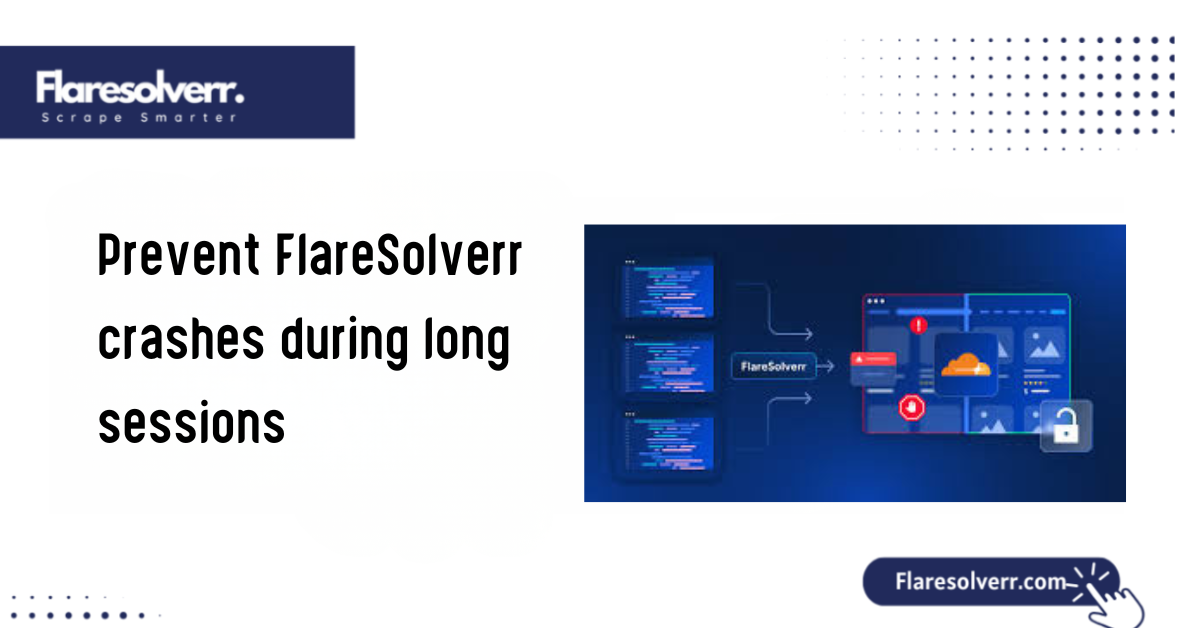
Introduction to FlareSolverr Stability and Long-Session Performance
FlareSolverr has become an essential proxy server for bypassing Cloudflare and other DDoS protection mechanisms. Using a headless browser to address challenges helps bridge the gap between automated scrapers and protected content. However, while FlareSolverr is highly effective for short-term tasks, sustaining stability during long sessions lasting days or weeks poses distinct difficulties.
In a perfect environment, FlareSolverr should run indefinitely. In reality, the heavy reliance on Chromium-based browsers can quickly exhaust system resources. If you are managing a large-scale scraping project or a media server automation, understanding how to stabilize FlareSolverr is the difference between an uninterrupted workflow and one that requires manual restarts every 6 hours.
What Causes FlareSolverr to Crash During Long Sessions?
To fix the crashes, we must first understand the “silent killers” of the FlareSolverr process.
Memory Leaks and Resource Overuse
The primary culprit is almost always memory leaks. Because FlareSolverr launches a whole instance of Chromium, it inherits the browser’s heavy RAM footprint. Over time, cached data, JavaScript execution remnants, and open DOM elements fail to clear correctly. Even a small leak of 10 MB per hour can eventually trigger an Out-of-Memory (OOM) kill by the operating system.
Browser Instance Overload
FlareSolverr works by spinning up browser “sessions” (individual browsing environments). If your application opens a session for every single request but fails to close them, the system will quickly reach its PID (Process ID) limit (the number of separate processes your system can handle). Even if the sessions are idle, they consume “zombie” resources (unused but occupied memory and CPU) that strain the CPU.
Improper Timeout and Session Handling
If the communication between your client and FlareSolverr lacks a strict timeout (a maximum wait time), FlareSolverr may hang indefinitely while waiting for a Cloudflare challenge that is impossible to solve. These hung processes accumulate, eventually leading to a total service freeze.
High Request Frequency and Rate Limits
Cloudflare is constantly evolving. If your request frequency is too high, Cloudflare may stop serving the standard “5-second challenge” and instead trigger a more complex loop. This forces FlareSolverr to work harder, causing CPU usage to spike until the container or service crashes.
Common Signs of FlareSolverr Instability
Before a total crash, FlareSolverr usually exhibits “pre-flight” symptoms. Watching these can help you automate a fix before the service goes down.
- Increasing Response Delays: If a challenge that used to take 5 seconds now takes 25, your browser instance is likely struggling with memory fragmentation (when memory usage becomes inefficient and fragmented).
- Browser Freezing or Hanging: You may see “Timed out waiting for selector” errors in your logs. This indicates the internal browser is no longer responding to FlareSolverr’s commands. A selector is a way to find and interact with elements on a webpage, so this message means the browser can’t locate a key component.
- Sudden Service Shutdowns: This usually happens when the OS or Docker’s “OOM Killer” intervenes to prevent the rest of your system from being affected by FlareSolverr’s RAM consumption.
- Incomplete or Failed Requests: Receiving empty responses or 500-level errors often indicates that the underlying Chromium process has crashed, even if the FlareSolverr API remains “up.”

Best Configuration Settings to Prevent FlareSolverr Crashes
Optimization starts with the environment variables. Fine-tuning how the browser launches is the first step toward stability.
Optimizing Browser Launch Arguments
FlareSolverr allows you to pass arguments to the browser. Using the BROWSER_EXECUTABLE_PATH and flags such as –disable-gpu and –no-sandbox (in Docker) can reduce overhead. Disabling the GPU is critical on headless servers, as it prevents the browser from attempting to use hardware acceleration that doesn’t exist.
Adjusting Session Timeout and Max Age
By default, FlareSolverr may keep sessions (temporary browser environments) alive too long.
- session_ttl: Establish a practical Time-To-Live (the amount of time before a session automatically ends). If a session isn’t used for 30 minutes, it should be purged.
- MAX_TIMEOUT: Never let a request exceed 60 seconds. It is better to fail and retry than to hang a process.
Limiting Concurrent Requests
Don’t attempt to solve 20 challenges at once on a system with 2GB of RAM. For home setups, 2 to 3 concurrent requests deliver stability.
Enabling Headless and Lightweight Modes
Ensure HEA. Ensure HEADLESS is set to true. While “Headful” mode (visible browser window) is great for debugging why a challenge is failing, it uses significantly more resources and is prone to crashing in long-term deployments. Management Strategies for Long FlareSolverr Sessions
Monitoring CPU and RAM Usage
Use utilities such as htop (a Linux system monitor) or Docker Stats (built-in monitoring for Docker) to establish a baseline. A healthy FlareSolverr instance should idle at a low CPU percentage. If you see the baseline rising every hour, you leak. Memory buildup limits the number of requests per session. Instead of 1,000 per session, create a new session every 100 to clear the cache.
Restarting Browser Instances Safely
FlareSolverr provides an API endpoint to delete sessions. Your scraping script should be programmed to:
- Perform the task.
- Delete the session (browser environment) immediately. If an error occurs, delete the session before retrying.
Docker and Environment Optimization for FlareSolverr
Running FlareSolver in Docker (a software container platform) is the gold standard for stability because it allows for hard resource limits. ded Docker Resource Limits
In your docker-compose.yml (Docker service configuration file), you should explicitly limit what FlareSolverr can take: resources: limits: memory: 1G cpus: ‘0.50’
This prevents FlareSolverr from taking down your entire host machine if a memory leak occurs.
Using Auto-Restart Policies
Set your restart policy to unless-stopped. If the service crashes due to an internal error, Docker will bring it back up in seconds. Restart: always” or “restart: on-failure” are highly recommended for 24/7 uptime. These are Docker policies that automatically restart containers. Once and Stability Best Practices
Scheduled Service Restarts
Even with perfect settings, Chromium is not designed to run for 1,000 hours without a refresh. The most “pro” move is a scheduled cron job.
- Restart the FlareSolverr container once every 24 hours at 3:00 AM.
- This flushes the temp folder and clears all “zombie” browser processes.
Log Monitoring and Error Detection
Redirect your FlareSolverr logs to a file or to a monitoring service such as Graylog or Portainer. Look for the string Error: Page crashed!. When this shows up, it’s a signal that the system resources are too tight.
Cleaning Temporary Data
Chromium creates temporary user profiles in the /tmp directory (a folder for temporary files used by programs). If you are running FlareSolverr on bare metal (not in Docker), check your /tmp or AppData/Local/Temp folder. Thousands of small files can slow down the file system.
Frequently Asked Questions (FAQs)
Why does FlareSolverr crash after running for several hours?
Extended sessions can exhaust memory or CPU resources. Chromium caches data from every site it visits; without a restart, this data eventually fills the assigned RAM.
How can I prevent memory leaks in FlareSolverr?
The most effective method is to limit session duration. Do not keep a single session open for days. Set a session_ttl and ensure your client-side code closes sessions when they are no longer needed.
Is Docker recommended for long FlareSolverr sessions?
Yes. Docker provides isolation, making sure that a FlareSolverr crash doesn’t affect your other apps. It also allows you to set “Hard Limits” on RAM usage.
What are the best FlareSolverr settings for stability?
Use HEADLESS=true, limit concurrency to a low number (1–3), and set aggressive timeouts for requests.
Can high request volume cause FlareSolverr to crash?
Yes. Every request triggers JavaScript execution. If requests come in faster than the browser can render them, the CPU will hit 100%, causing the service to freeze.
Should FlareSolverr be restarted during long scraping tasks?
Absolutely. A daily restart is considered a “best practice” for any tool that relies on headless browser automation.
Conclusion
FlareSolverr is powerful, but not “set and forget.” Because it connects simple HTTP requests and a heavy browser engine, it needs active management. With Docker limits, strong session handling, and regular restarts, FlareSolverr becomes a stable part of your stack.
Stability isn’t about preventing every error; it’s about building a system that manages its resources well enough to recover automatically.
Latest Post:










